Social Review Stands & Stickers
Make it easy for customers to leave a review
Your product may be a QR + NFC stand, an NFC-only sticker, or a QR-only sticker. Activate your product and connect it to the Google review page, Facebook page, or other destination you want your customers to visit.
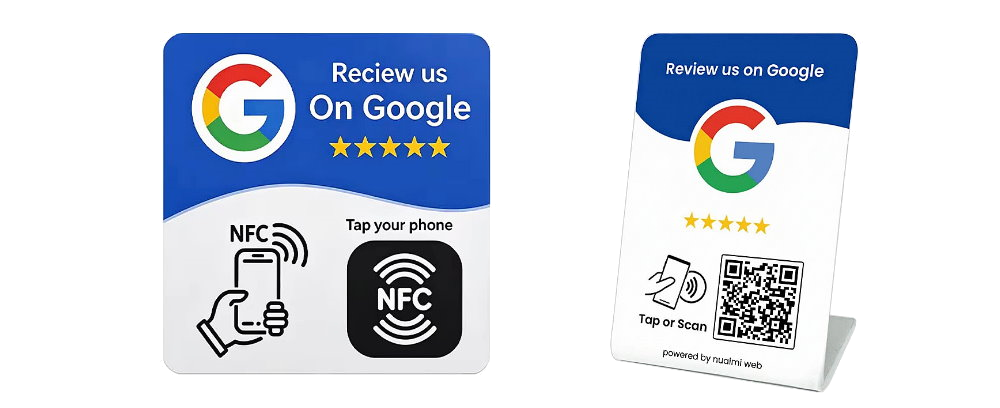
Identify your product and check whether it supports QR scanning, NFC tapping, or both.
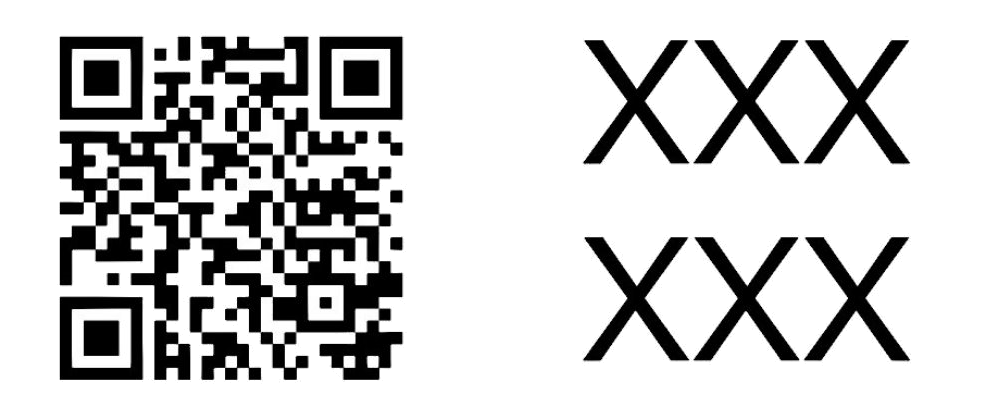
Scan the qr-code or tap your phone if nfc, and activation QR code on the back label or sticker.
How QR codes and NFC work
QR + NFC stand
Customers can scan the customer-facing QR code using their phone camera or tap the NFC area with a compatible phone. Both methods open the destination configured for your product.
NFC-only sticker
Customers tap a compatible phone against the sticker to open its link. This sticker does not have a QR code for customers to scan.
QR-only sticker
Customers point their phone camera at the sticker's QR code and tap the link that appears. This sticker does not support NFC tapping.
How to activate your stand or sticker
Open activation
Scan the activation QR code on the product label. If you are already on this page, continue to the next step.
Sign in or sign up
Log in to your existing account or create a free account to register and manage your product.
Add your destination
Paste your Google review link, Facebook page link, or other supported destination. Enter the PIN if requested, then select Save and activate.
You're ready!
Test your product. Customers can scan or tap, depending on its features. Find your registered stands and stickers on your user profile page.
Why do I need an account?
Signing in or creating an account connects your stand or sticker to you as its owner.
- Register your product to your account.
- Help prevent another person from claiming your product.
- Change your destination link later without replacing the product.
- Find and manage your registered stands and stickers from your user profile page.
Loading your stand…
Sign in to activate your product
Log in to your existing account or create a free account. You'll return here afterward to finish activating your stand or sticker.
Set up your stand or sticker
Your stand or sticker is live!
Customers who scan the QR code or tap NFC will be directed to:
Your product is registered. You can find and manage your registered stands and stickers from your user profile page.
Back to My Stands